
Tumblr has always been home to soft, aesthetic blogs, and text style is a big part of that look. The catch is that Tumblr also runs on tags and reblogs, and both of them depend on plain text to connect your post with the people searching for it.
So we put together these fonts for Tumblr to give you both. You get sparkle frames, script letters, and wide vaporwave text for your blog title, description, and posts.
This guide also shows you which parts to leave plain, so your blog looks the way you want and your posts still turn up in tag searches.
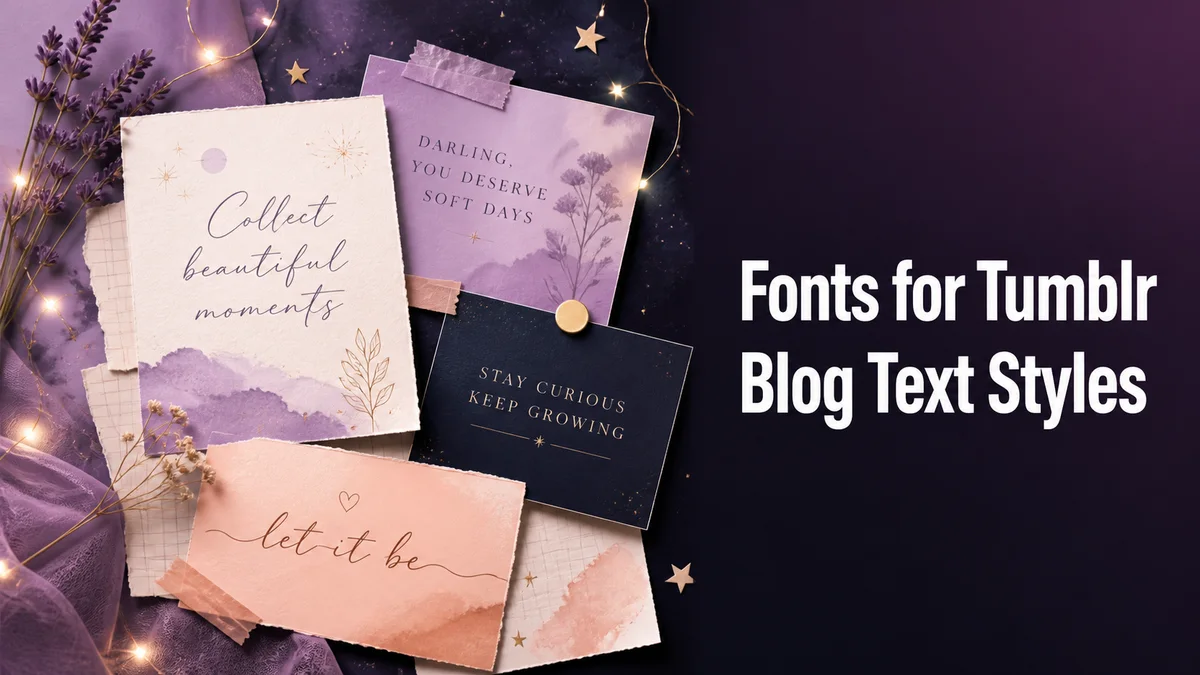
How Do Fonts for Tumblr Work?
Fonts for Tumblr are Unicode characters that look like a different alphabet, like 𝓈ℴ𝒻𝓉 𝒷𝓁ℴℊ in script or soft blog in the wide style. Tumblr saves them as text, so they stay put when someone reblogs your post.
That's different from your blog theme. The theme sets the font for your whole blog, while styled text only changes the words you paste.
Where Do Styled Fonts Work on Tumblr?
Tumblr gives you plenty of places to style text.
Blog Title
Your blog title is the first thing visitors see, and it accepts nearly every style here. A soft frame like ✧・゚soft blog・゚✧ keeps the title readable while adding that aesthetic touch.
Blog Description
One styled line works well under your title, and it's usually the spot where people decide whether your blog is worth following after they land on it from a reblog. Put a styled phrase on top and a plain sentence below it that says what you post about.
Posts and Asks
Text posts, captions, and asks all accept styled text. Tumblr's own text options, like Quirky and Chat, work alongside it too.
Tags
Stay plain here. A styled tag doesn't match the tag people search for. Your post simply won't show up under it, and Tumblr gives you no warning that anything went wrong.
How Do You Add a Styled Title to Your Tumblr Blog?
The change takes about a minute on the website or in the app. Pick the style here first, so you see your full title before you touch any settings.
- Type your blog title in the Your text box exactly as you want it, spaces included.
- Tap Aesthetic styles, and our tool brings soft frames, sparkles, and ribbons to the top.
- Tap Copy on the style you like.
- On Tumblr, open your blog settings and find the Title field.
- Paste the styled title and save.
Which Tumblr Styles Fit an Aesthetic Blog?
Sparkle frames and wide vaporwave text are classic Tumblr looks.
Script letters feel softer and more personal, but they get hard to read in long posts, especially for followers scrolling their dashboard late at night on a dim phone screen. So keep them for titles, and let your actual writing stay plain.
Related tools: Aesthetic Fonts Generator, Fancy Bio Generator and Artistic Font Generator.
More tools like this one: Social Media Fonts.