
Your Instagram bio and name are the first things people read when they land on your profile. Instagram doesn't give you a font menu for any of them, though. So every profile ends up in the same plain letters, and yours blends right in.
That's why so many people paste styled text instead. Our fonts for Instagram give you hundreds of those styles in one place, and you don't need to install a single app.
We also built this page around what Instagram actually accepts. A style that looks great here can still get refused in the wrong field.
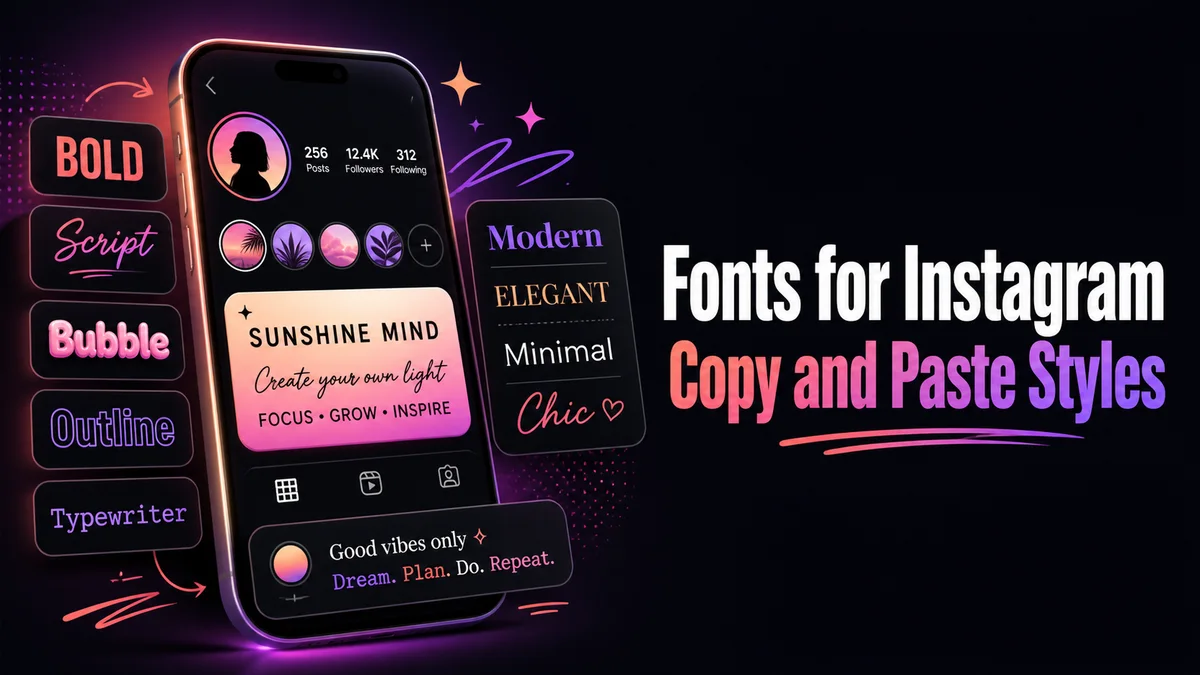
How Do Instagram Fonts Work?
Fonts for Instagram aren't real font files. They're Unicode characters, like mathematical bold letters and circled letters, that look like a different typeface but travel as normal text.
When you paste them into Instagram, your followers see the same shapes on their own phones, and no setting needs to be turned on. Just keep in mind that every phone draws these characters with its own system font, so a rare style can look slightly different on an older Android phone than it does on a new iPhone.
Where Do Styled Fonts Work on Instagram?
Instagram treats each part of your profile differently, and that's where most people get stuck.
Your Bio
Your bio holds 150 characters and accepts almost every style on this page. But some styled letters take more room in the counter than they seem to, and Instagram never explains why it stopped you at 141 when the bio clearly looks shorter than that. If Instagram stops you early, switch one styled word back to plain letters.
Your Name Field
The name above your bio takes styled text too, and it shows in search results. But Instagram only lets you change your name twice within 14 days, which is a good reason to test a style in your bio first.
Search matters too. People type your name in normal letters, and a fully styled name may not match what they type.
Your Username
Your username is the one place styled text never works. Instagram allows only letters, numbers, periods, and underscores.
Captions, Comments, and Notes
Captions, comments, and Notes all accept styled text, and captions give you lots of room to play. Keep hashtags plain, though, because a styled hashtag doesn't link to the tag page at all.
How Do You Add a Styled Font to Your Instagram Bio?
It takes a minute. Write the line here first, so you can see it in every style before you open Instagram.
- Type your line into the Your text box, exactly as you plan to post it.
- Tap Aesthetic styles for sparkles and soft frames, or Letter styles for bold and script.
- Tap Copy on the card you like best.
- In Instagram, open your profile, tap Edit profile, and then tap Bio.
- Paste the line, check the character count, and tap Done or the checkmark to save.
Which Instagram Font Styles Look Best?
Soft frames and clean letters work best on a profile, because people read a bio in about two seconds. Small caps, bold, and simple sparkle frames stay readable on every phone.
Script and gothic look lovely on one or two words. Stretched across a whole bio, they turn into something people skip.
Our IG fonts generator focuses on captions and Stories instead, where the first line has to win attention before the more link cuts everything else off. And if you want help writing the bio itself, our cool Instagram bio maker covers what to put in those 150 characters.
Related tools: IG Fonts Generator, Cool Instagram Bio Maker and Fancy Bio Generator.
More tools like this one: Social Media Fonts.