
Most people don't know which style they want until they see a few side by side. A single preview rarely settles it, since a style that looks great on a sample word can look messy on your own words.
We built our fonts changer for exactly that moment. It shows hundreds of styles at once and gives you three quick ways to switch between them: the group buttons, the filter, and the Saved list, which together cut hundreds of options down to one in a couple of minutes.
What Does a Fonts Changer Do?
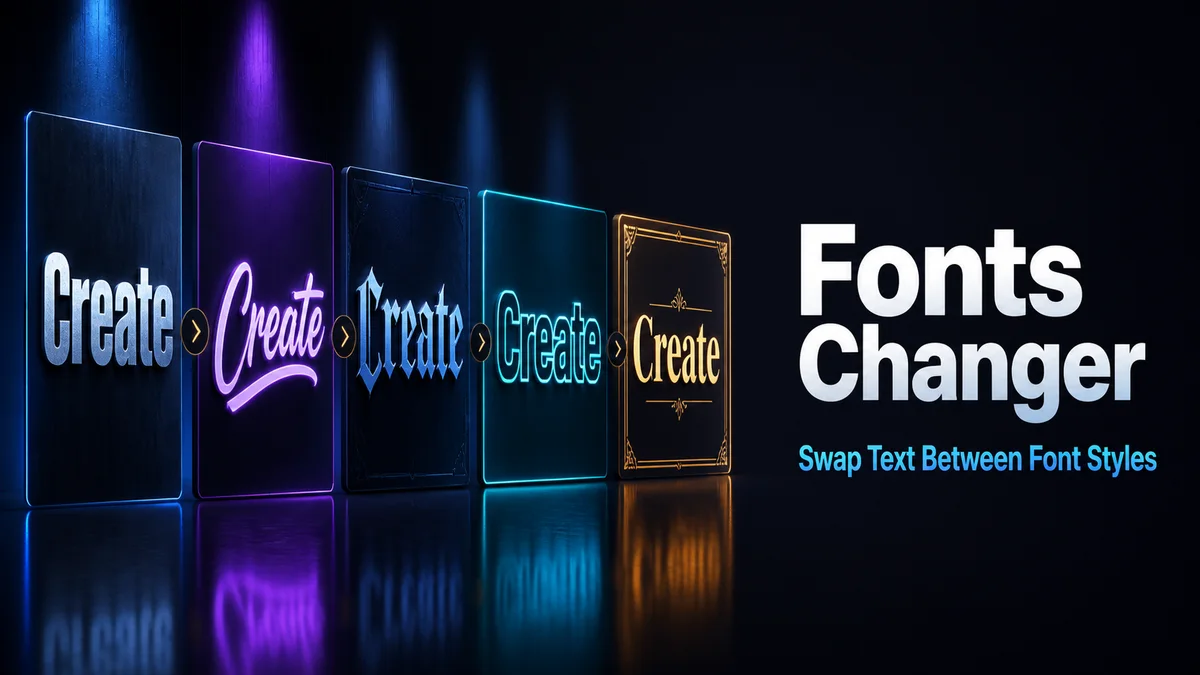
A fonts changer shows the same text in many styles at the same time. "Switch styles" becomes 𝐬𝐰𝐢𝐭𝐜𝐡 𝐬𝐭𝐲𝐥𝐞𝐬 on one card, 𝓈𝓌𝒾𝓉𝒸𝒽 𝓈𝓉𝓎𝓁ℯ𝓈 on the next, and ꜱᴡɪᴛᴄʜ ꜱᴛʏʟᴇꜱ on another.
Every style is made of Unicode characters. Switch as often as you like before you copy the final one.
How Do You Narrow Down Hundreds of Styles?
Type your real text first. A style can look great on a short word and fall apart on a long one.
- Enter the exact words you plan to use in the Your text box.
- Tap one group button, such as Letter styles or Symbol frames, to see one kind of style at a time.
- Type a style name like bold or heart into Filter styles to shorten the list further.
- Tap the heart on every style you like, and watch the count climb on the Saved button.
- Open Saved to see only your picks together, then copy the winner.
What Does Each Style Group Show?
The group buttons split the styles into clear families.
All Styles
Everything in one long list. Start here when you have no idea what you want.
Featured Styles
Ready-made frames and combinations that work well on short text. It's the quickest route to something eye-catching.
Letter Styles
Full alphabets like bold, script, gothic, and small caps, with nothing added around the letters. Pick this group when the field you're pasting into is strict, because plain alphabets survive more apps than heavy frames do.
Symbol Frames
Hearts, stars, and brackets around plain letters. These keep your words readable.
Combinations and Spacing
Combinations pair a styled alphabet with a frame. Spacing spreads letters out or puts symbols between words.
Why Doesn't the Saved List Update When You Change Your Text?
The Saved list keeps the exact styled text you saved, not the style itself. Change the words in the box, and old saves stay as they were.
So save the new version too if you change your wording. Otherwise, you'll copy last week's text by mistake.
Related tools: Font Changer, Fonts Converter and Font Copy Paste.
More tools like this one: Fancy Text Tools.