
Instagram, TikTok, WhatsApp, and Discord give you no way to change the font of your bio or your name. It's plain letters only.
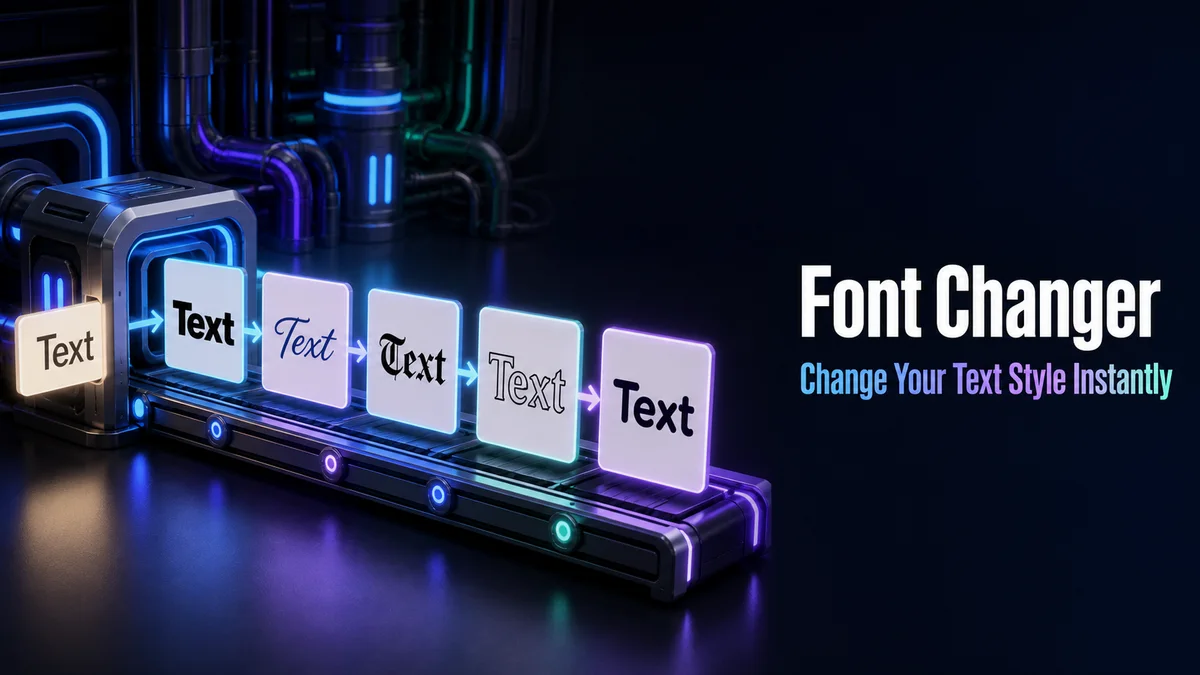
Our font changer fixes that by turning your text into bold, script, gothic, and other styles you can paste straight into those apps.
Some people search for a font changer because they want to change every font on their phone, which is a different job entirely. So we cover both here, and you'll know within a few seconds of reading which one you actually need.
What Does a Font Changer Do?
A font changer turns plain text into styled Unicode characters, like 𝐜𝐡𝐚𝐧𝐠𝐞 𝐦𝐲 𝐟𝐨𝐧𝐭 in bold or 𝒸𝒽𝒶𝓃ℊℯ 𝓂𝓎 𝒻ℴ𝓃𝓉 in script. Those characters keep their look after you paste them.
It doesn't change your whole phone.
How Do You Change the Font of Your Text?
There's no button to press, since every style updates while you type.
- Enter your words in the Your text box.
- Scroll the cards, or tap Letter styles to see only full alphabets like bold, script, and gothic.
- Tap Copy on the style you want.
- Open the app, paste the text into your bio, name, or post, and save.
Where Do Changed Fonts Work?
Changed fonts work in bios and chats.
They usually fail in usernames, handles, and login fields. Those spots allow only plain letters, numbers, and a few symbols, and they refuse styled characters outright.
How Do You Change Your Phone's Main Font?
That's a settings job.
On Samsung and Many Android Phones
Most Samsung phones have the option under Settings > Display > Font size and style, where you can pick a preinstalled font or download more from the Galaxy Store. Other Android brands put similar settings under Display, though the exact menu name changes from one maker to the next.
On iPhone
iPhones don't let you change the system font. You can only make text larger or bolder under Settings > Display & Brightness. That's why styled text from a tool like ours is the main way iPhone users change how their words look in apps.
On a Computer
Windows and Mac let you install fonts for documents and design apps. Those fonts don't follow your text into Instagram or Discord, though, because the other person doesn't have them installed.
Related tools: Fonts Changer, Font Copy Paste and Fonts Converter.
More tools like this one: Fancy Text Tools.