
A clan tag gets two to five letters to make your squad look like a team. With that little room, the style you pick matters far more than it does on a full name.
That's why we made this fancy game tags generator for short clan, crew, and squad tags. It gives them frames and bold letters that stay readable on a crowded scoreboard, even when the match is moving fast and nobody has time to squint at your name.
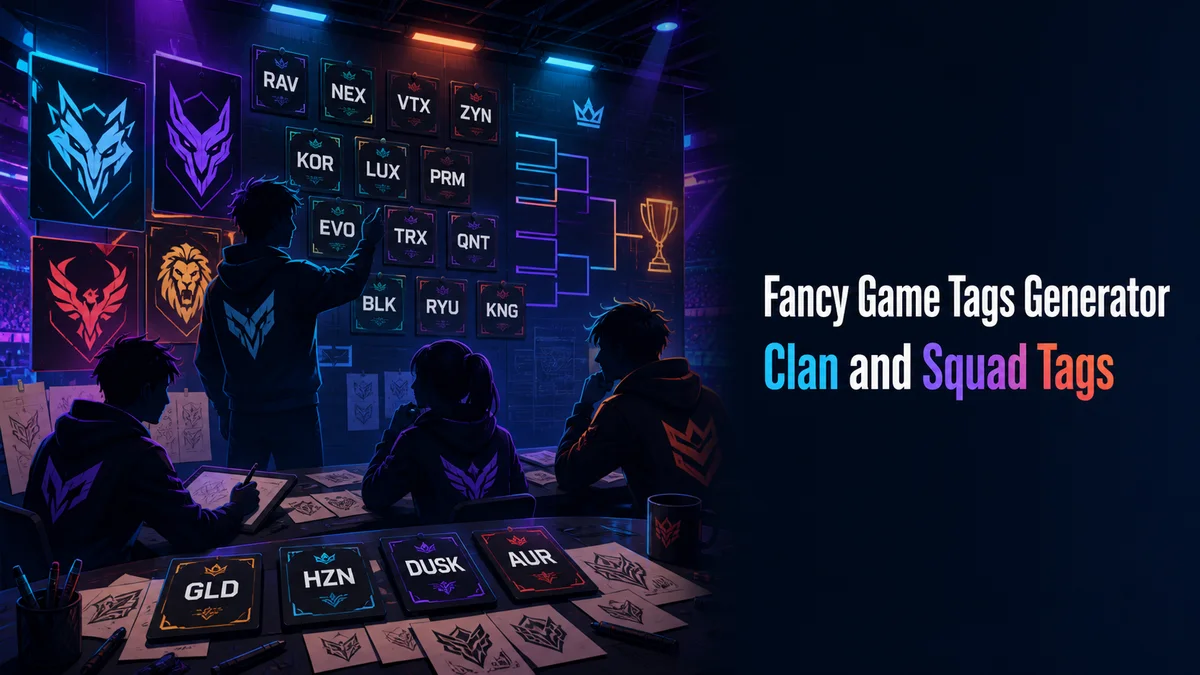
What Is a Fancy Game Tags Generator?
A fancy game tags generator styles a short tag with Unicode letters and frames. "RVN" becomes 𝐑𝐕𝐍 in bold, ʀᴠɴ in small caps, and ⚔RVN⚔ with blades.
Tags are short. Even a heavy style stays readable on three letters.
How Do You Make a Fancy Clan Tag?
Pick the tag together as a squad, since everyone carries it.
- Type two to five letters in the Your text box, like your clan's initials.
- Tap Gaming styles to see blades, skulls, shields, and clan marks around the tag.
- Then tap Letter styles for bold, squared, circled, or outline letters.
- Once the squad agrees, tap Copy on that card.
- Paste the exact tag into your squad chat so everyone copies the same characters.
Why Should Everyone Copy the Same Tag?
Many symbols look almost identical but are different characters underneath. Two members who build the "same" tag by hand can end up with tags that don't match, and some games then treat them as separate clans or sort them apart on the scoreboard.
One shared copy fixes that. Paste it once in chat, and everyone copies from there.
Which Tag Styles Look Strongest?
Squared and bold letters look strongest on a few characters. Circled letters feel friendlier.
Blades and skulls suit shooters, while shields and crowns suit strategy and MMO guilds. Keep the frame to one symbol per side, since tags already sit next to each member's full name.
Related tools: Fancy Games Username Generator, Fancy Text Symbols Generator and Stylish Name Maker.
More tools like this one: Stylish Names and Bios.